¶ How to get to the logs
Kerlink gateways uses journald as logging manager.
You can access to logs for each services using the command:
journalctl -u <service>
For example, LoRa services are lorad, lorafwd, basicstation (if installed)
Journalctl is a powerful tool with many options which can be used for advanced debugging.
Documentation of journalctl options can be found here
A file with logs of all services is available in /var/log/syslog
¶ Useful commands
Since Kerlink gateways use a Unix system, most current commands are available (ifconfig, route, ps, iptables, …).
KerOS specific commands:
gsmdiag: generates the status of the modem.sudo connmanctl: used to configure/monitor the network manager.sudo systemctl status: lists the running services.sudo systemctl status <service>: displays the status of the monitored service.gpspipe -r: dumps NMEA (GPS) frames (only on WirnetTM iStation)
¶ Automatic log gathering
Available since version 6.3.0. A gateway reboot is necessary to activate this new feature.
A tool is present on gateway to gather all logs. It is called keros-getlog.
- Execute the command
sudo keros-getlog. The execution of the script should last less than 1 minute. - It will generate an archive in
/var/tmp/directory (example:/var/tmp/sosreport-klk-wifc-010193-20250116154301.tar.xz) - Retrieve this archive (use whatever method you prefer: FileZilla, scp, …)
To get a lighter archive, an option --minimal can be given to the script. It will gathered only recent logs.
On version older than 6.3.0
The tool keros-getlog is not present yet. Instead, you can use:
sudo sos report
On the web interface, select Diagnostic reports
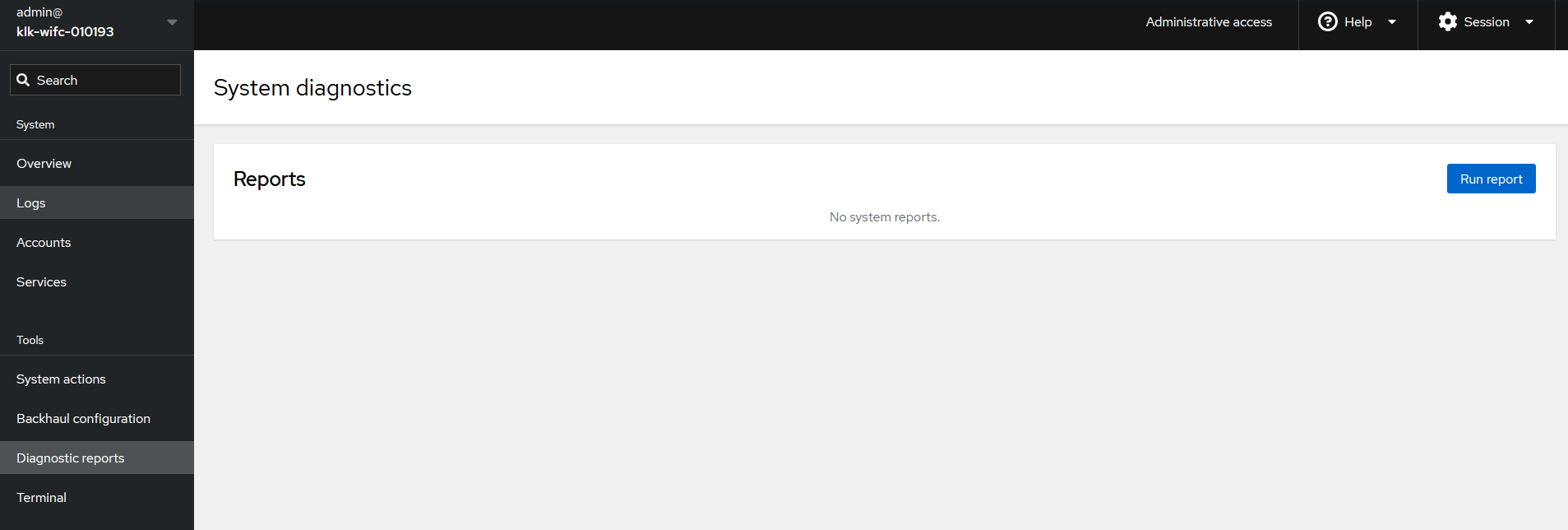
Click on Run report
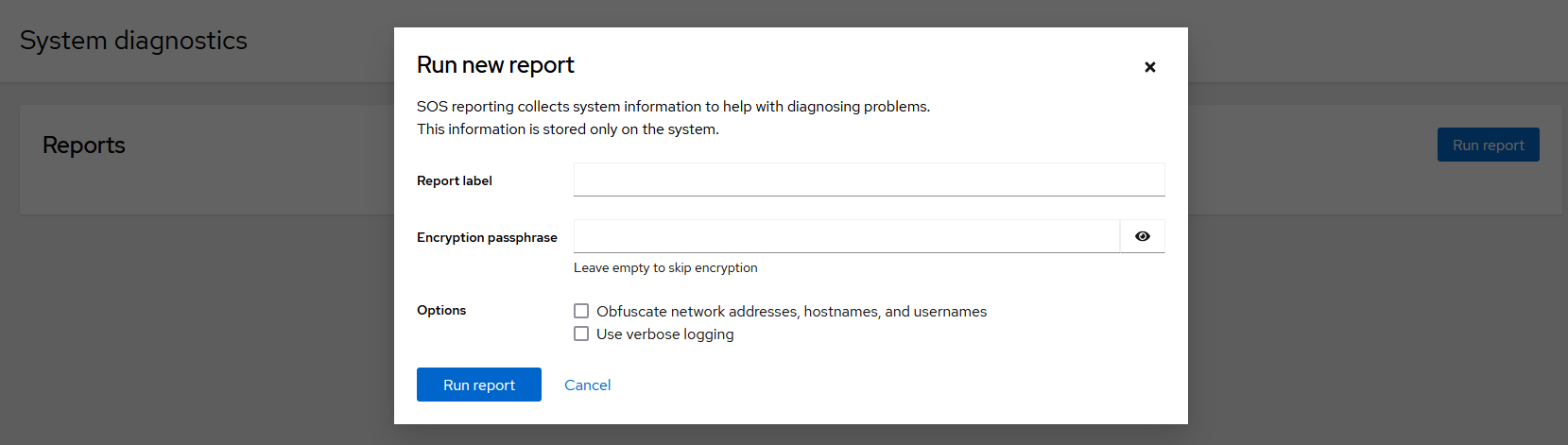
A pop-up is displayed, let the fields blank and click again on Run report
After few seconds, the report is generated
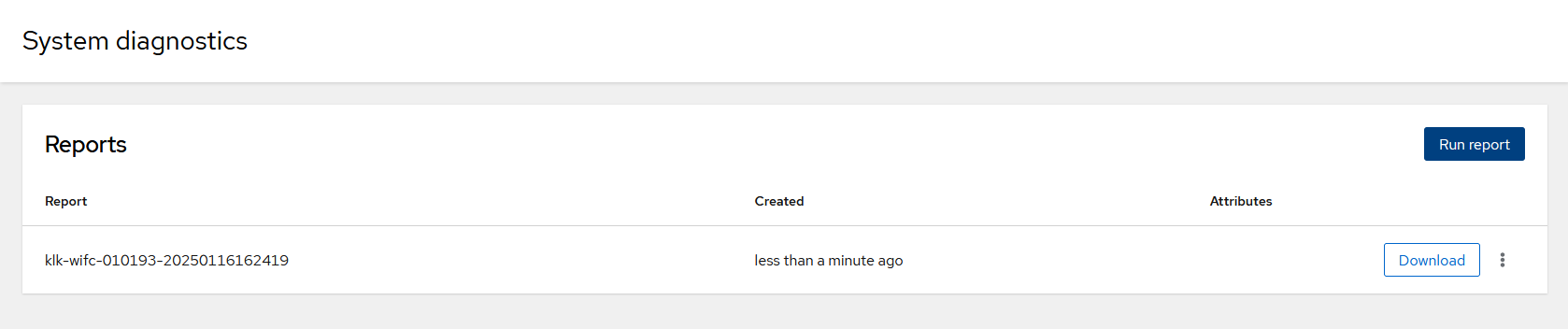
You can download it from the web interface