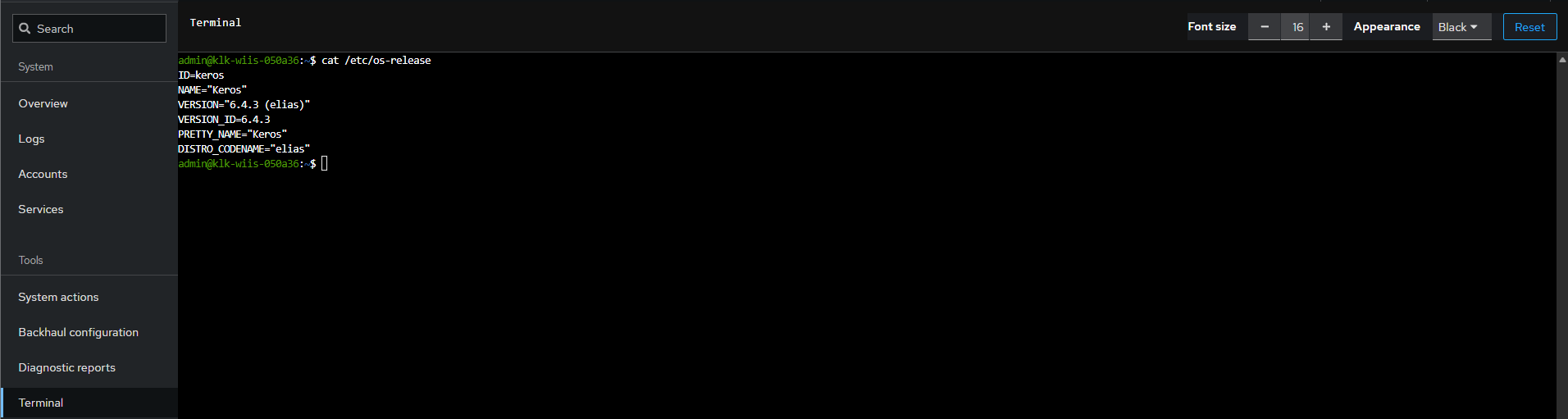
The Web interface is based on https://cockpit-project.org/
¶ Web Administration Interface
Easy way to locally access, configure, and update your gateway.
🌐
¶ How to access
Access via hostname or local IP
¶ How to access
Access via hostname or local IP
¶ Hostname URL
Wirnet™ gateways hostnames are deduced from their board ID, with XXXXXX replaced by the six hexadecimal digits from the serial number (Board_ID or EUI):
| Gateway model | URL template |
|---|---|
| Wirnet™ iFemtoCell | https://klk-wifc-XXXXXX.local |
| Wirnet™ iStation | https://klk-wiis-XXXXXX.local |
| Wirnet™ iFemtoCell-evolution | https://klk-fevo-XXXXXX.local |
| Wirnet™ iZeptoCell Ethernet | https://klk-zeth-XXXXXX.local |
| Wirnet™ iZeptoCell Cellular | https://klk-zcel-XXXXXX.local |
| Wirnet™ iBTS | https://klk-lpbs-XXXXXX.local |
Example:
- A Wirnet™ iFemtoCell has a board ID of 704BEc1234AB (and 7276FF00391234AB as EUI64)
- Its hostname URL is https://klk-wifc-1234AB.local
The Wirnet™ iZeptoCell Cellular web interface is only available using a direct connection by USB. You may need to have a look to this section (USB tab)
¶ Local fixed IP address
When using local (direct) connection to the gateway (in USB or WiFi AP), you may access the local interface with https://192.168.120.1.
¶ HTTPs
HTTPS ensures that all communications between your web browser and the local web interface are completely encrypted.
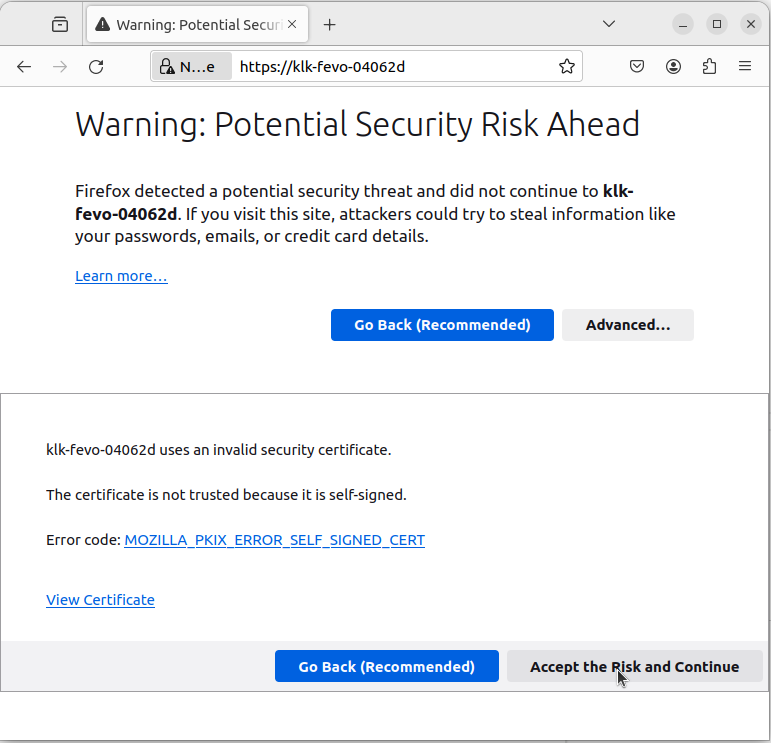
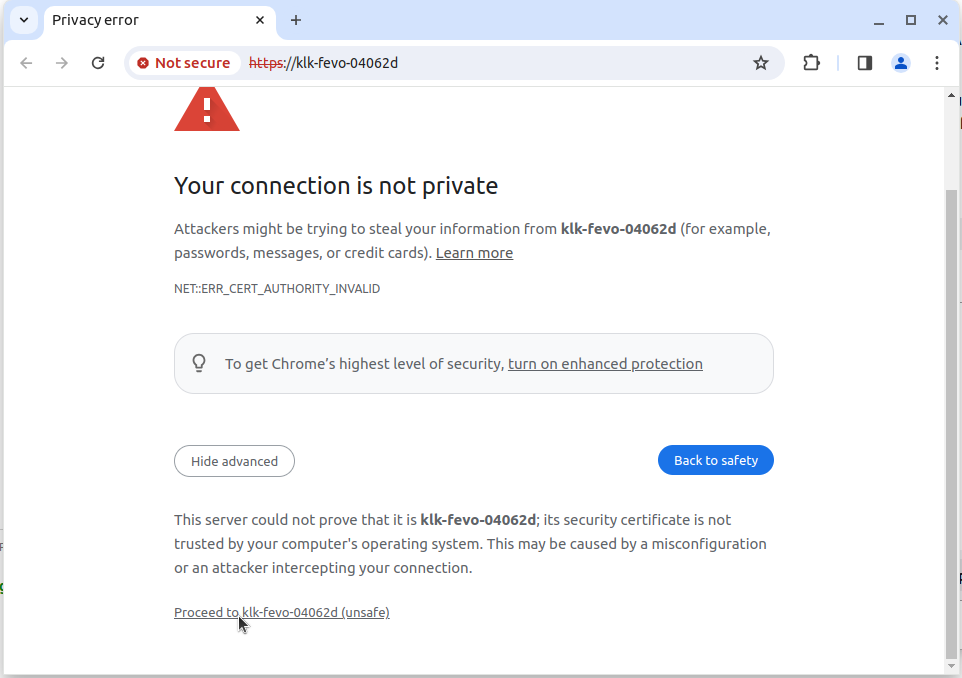
The SSL certificate which is configured in the gateway is a self-signed SSL certificate.
A security warning may be displayed by your web-browser. It is actually letting you know that the SSL certificate is self-signed.
In the case of accessing your own gateway this is perfectly fine: you can simply tell your web-browser to accept the self-signed SSL certificate and continue.
More details about the security exception
🔐
¶ Login & Passwords
Authentication and password policy
¶ Login & Passwords
Authentication and password policy
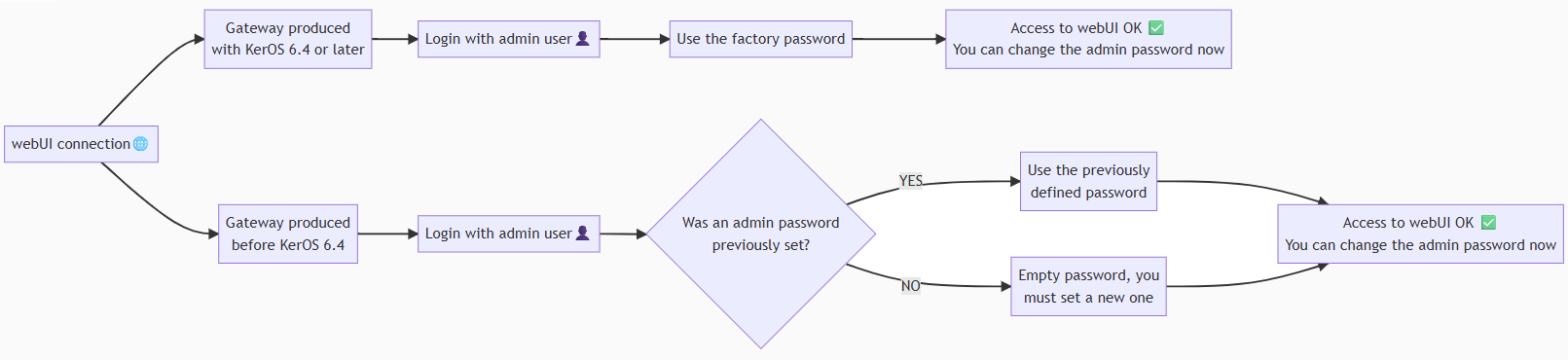
Every gateway produced with KerOS 6.4 or later now has a unique factory password, which is securely provided by Kerlink at shipment.
Customers must keep this password carefully, as it is required for the first Web Interface login or after a factory reset.
¶ First connection
You must use the admin user.
The password will depend on the firmware installed on the gateway during production. See below.
More details about gateways produced in 6.4
KerOS 6.4 includes a new feature : the factory password. Here how it is defined :
- Active on gateways produced with KerOS 6.4 or later.
- Configured during production and unique per gateway
- Provided by Kerlink at shipment
- Must be kept by the customer
- Used for the first connection to the Web Interface or after a factory reset.
The factory password is permanently stored on your gateway.
To connect to the webUI, you must use the admin user with the factory password on the first connection. It must be changed at the first connection.
If a downgrade is performed to versions 5.x, the password reverts to the default keros 5 password.
Gateways produced before KerOS 6.4
By default the password of the admin user is empty. You must set your password in accordance with the policy.
Gateways that were originally developed using a version of KerOS prior to version 6.4 and were subsequently upgraded to version 6.4 are not affected by the factory password feature.
If you have set a password on a version earlier than 6.4, either through the WEB UI or the command line, and you migrate to KersOS 6.4 or later, the password you selected will be saved.
If you used a 5.x version and have only logged on the WEB UI with the default password without changing it, or if you have never logged in to the WEB UI and you migrate to KersOS 6.4, then the password will remain the default one.
Steps to create a new password during the first login
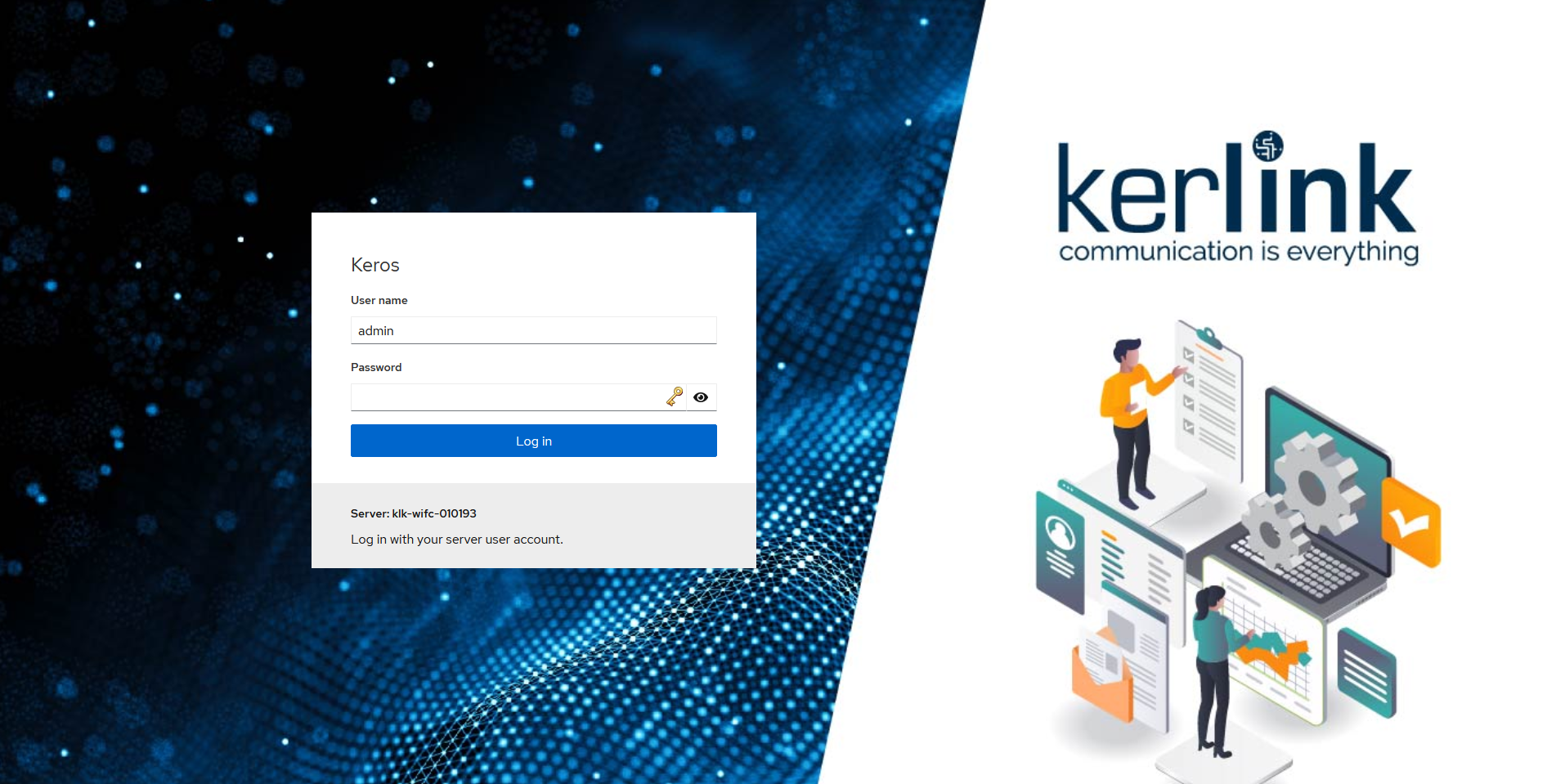
You may be prompted to change your password, but first you need to confirm your current password (empty).
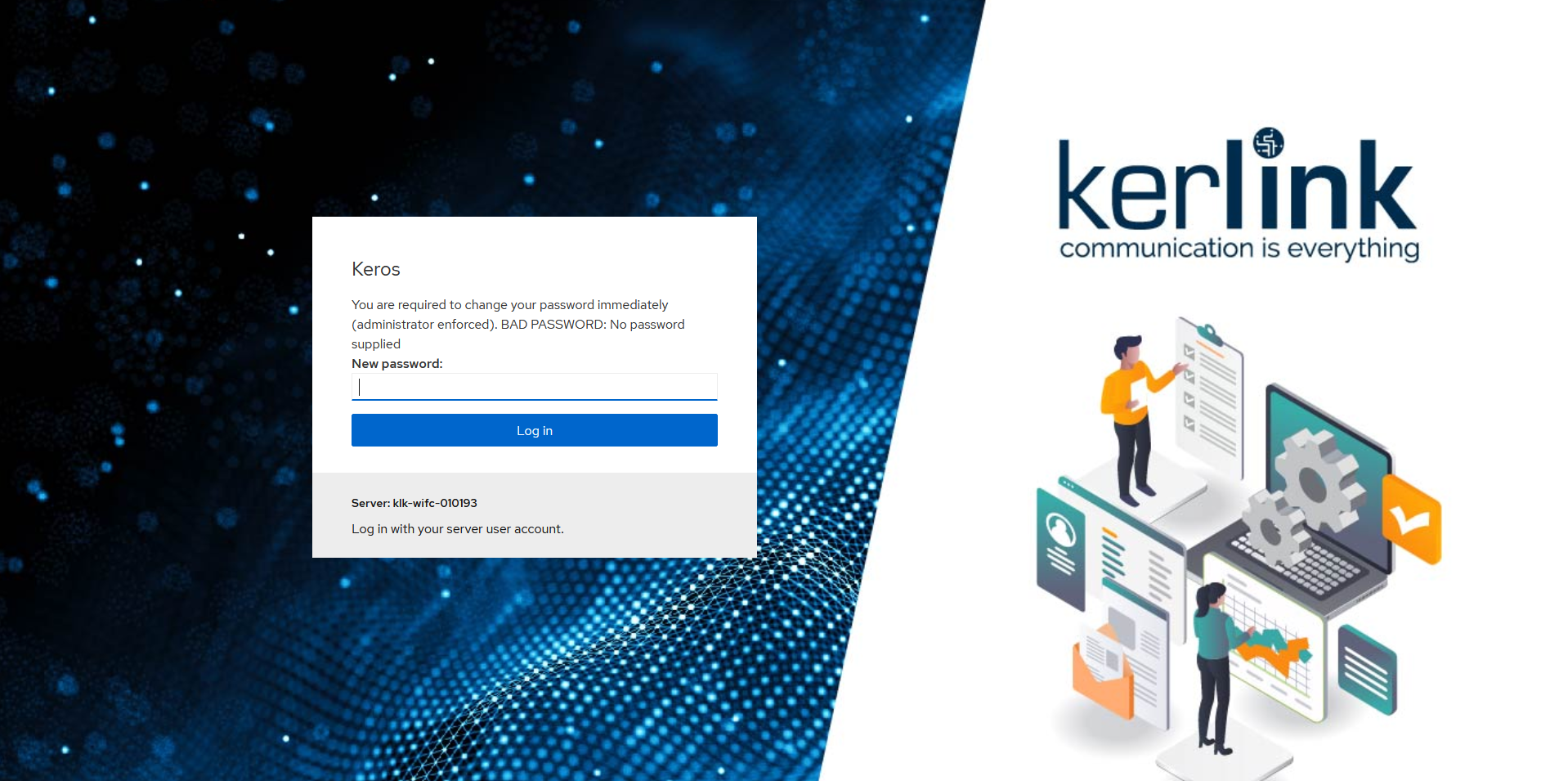
You will then be prompted to set and confirm a (new) password.
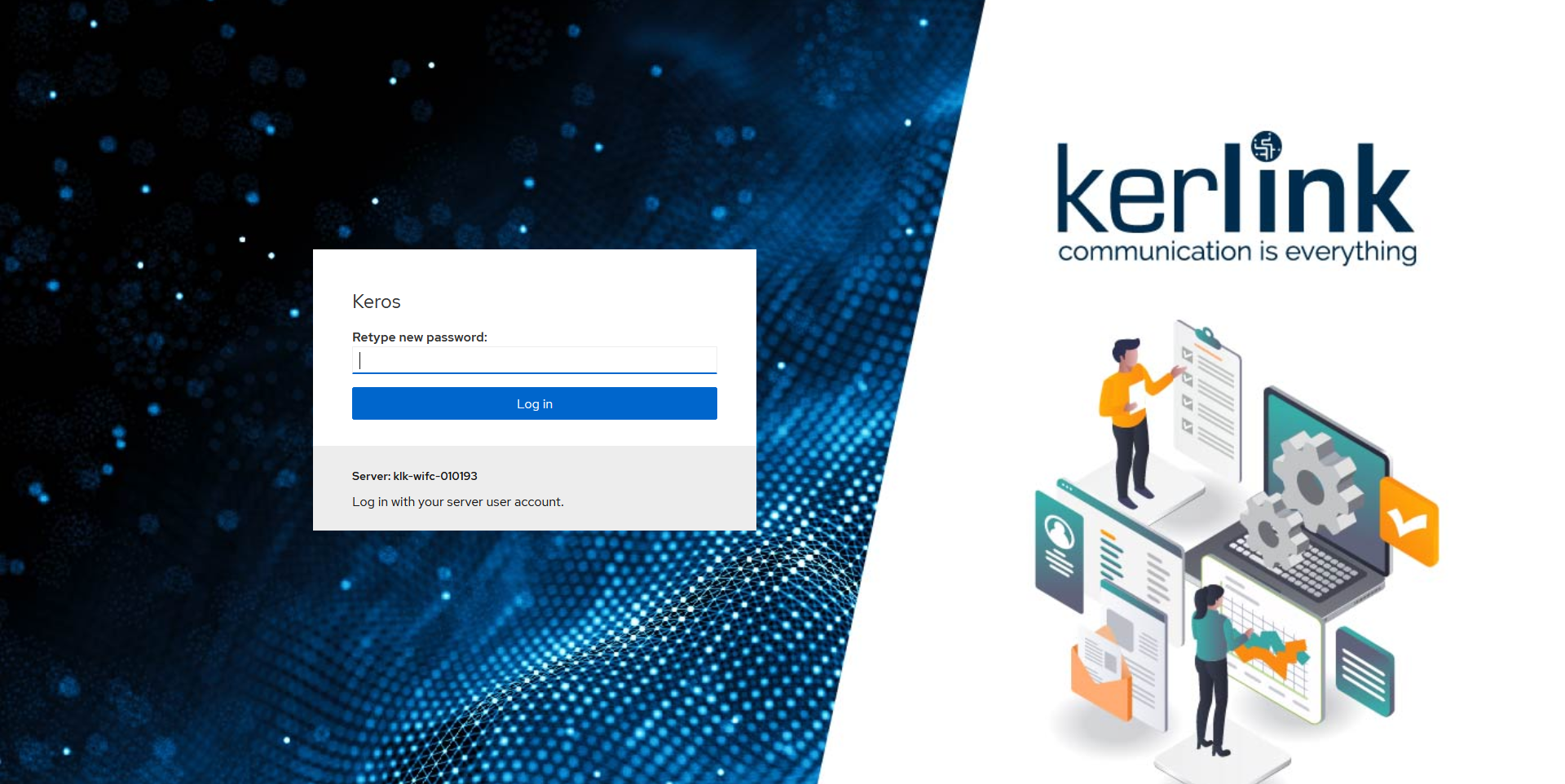
Password Policy
For security reasons, it is strongly recommended to choose a strong password.
You may also deactivate password-based authentication after setting up an public key authentication. See ssh
By default, the gateway will check the strength of the password using pam_pwquality rules.
These checks are:
- Dictionnary checks: check if the password is part of a dictionary
- Palindrome: Is the new password a palindrome?
- Case Change Only: Is the new password the old one with only a change of case?
- Similar: Is the new password too much like the old one?
- Simple: Is the new password too short?
- Rotated: Is the new password a rotated version of the old password?
- Same consecutive characters: Optional check for same consecutive characters.
- Contains user name: Optional check whether the password contains the user name in some form.
These checks are configurable by modifying the
/etc/security/pwquality.confconfiguration file. See pam_pwquality documentation.
¶ Next connections
You may login with any existing local account (excepting root). Each account will already be associated to a specific password.
¶ Service deactivation
If no password have been set during the first hour after the gateway was powered up, the Web interface is deactivated. The following message is displayed :
This service has been deactivated for security reason.
Please reboot the gateway, and restart the enrollment process.
In this case, the only way to retrieve the Web interface is to reboot the gateway
⚙️
¶ Features
Overview of features
¶ Features
Overview of features
Expand the section you want to explore :
📰 LOGS : Access to journald logs with easy filtering.
View the gateway logs. Click on a sprecific trace to have detailed contents:
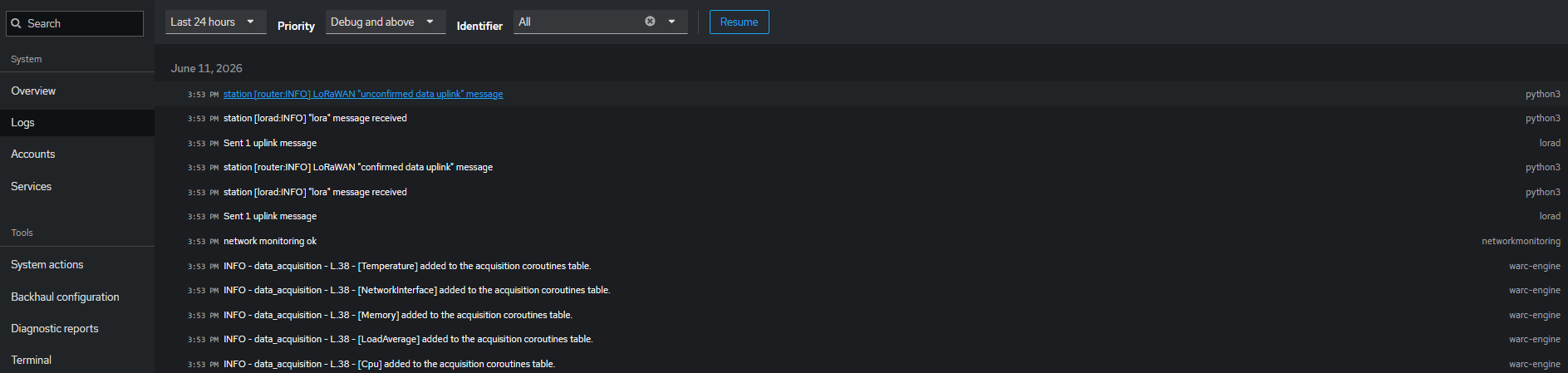
Filter the log stream by perdiodicity, criticality and type of deamon/services:
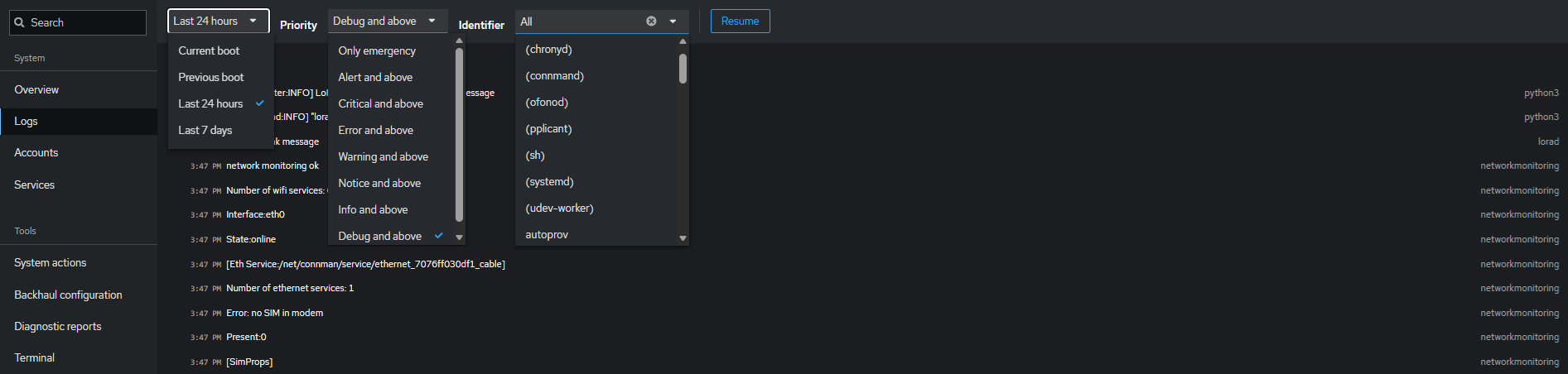
See https://keros.docs.kerlink.com/en/troubleshooting For the entire section about log retrieval on KerOS.
👤 ACCOUNT MANAGEMENT : Create, modify, or delete local user accounts and manage authorized SSH keys.
List the active users and their details: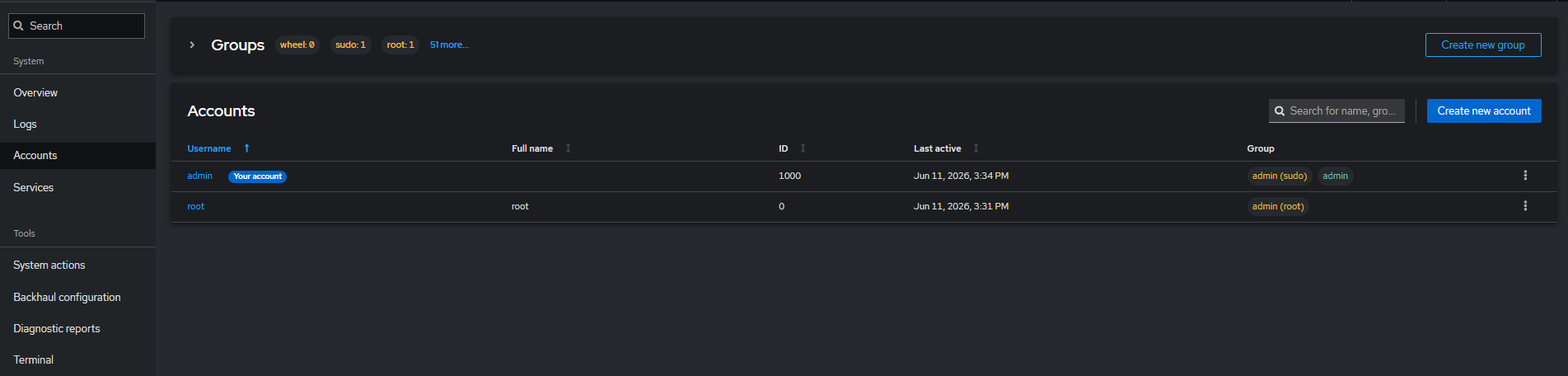
Manage user account, including access permissions, authentication methods like password and SSH keys, and activity tracking. It centralizes security and user control to ensure safe and efficient system access:
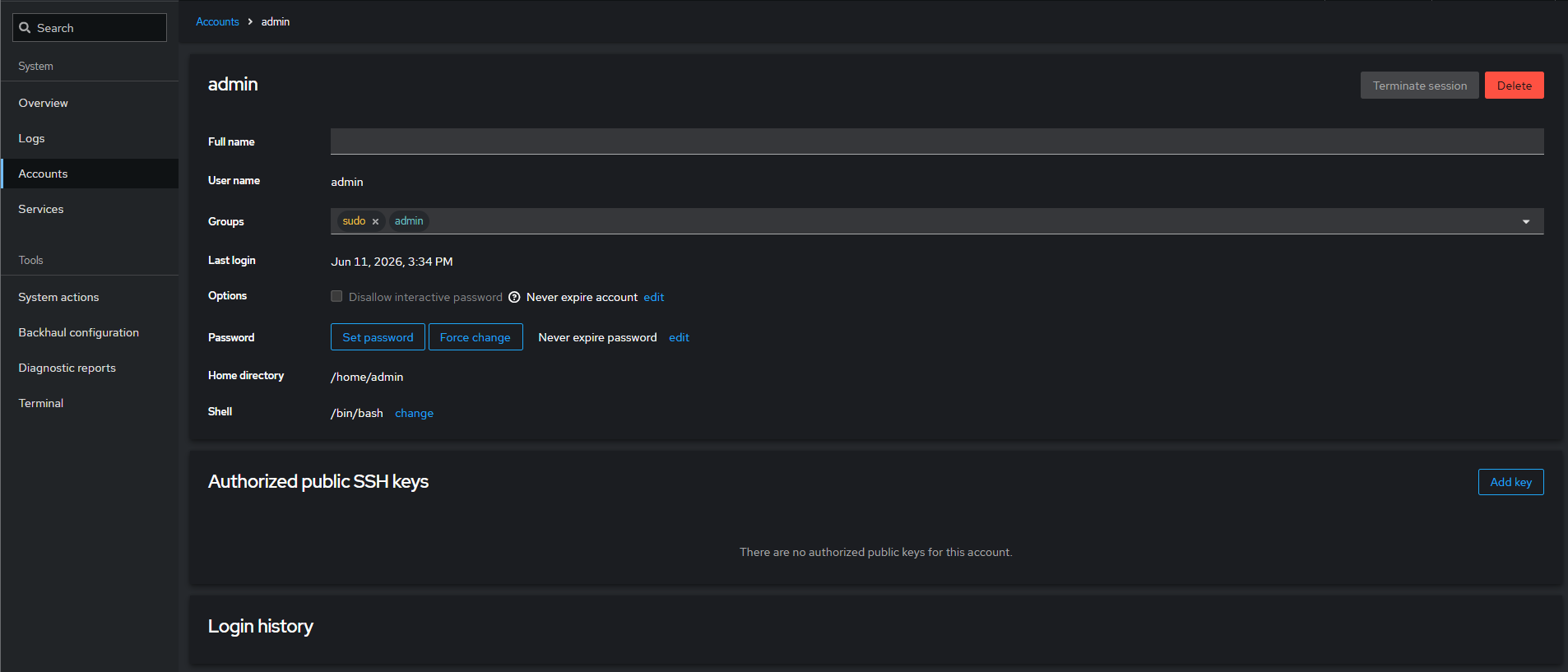
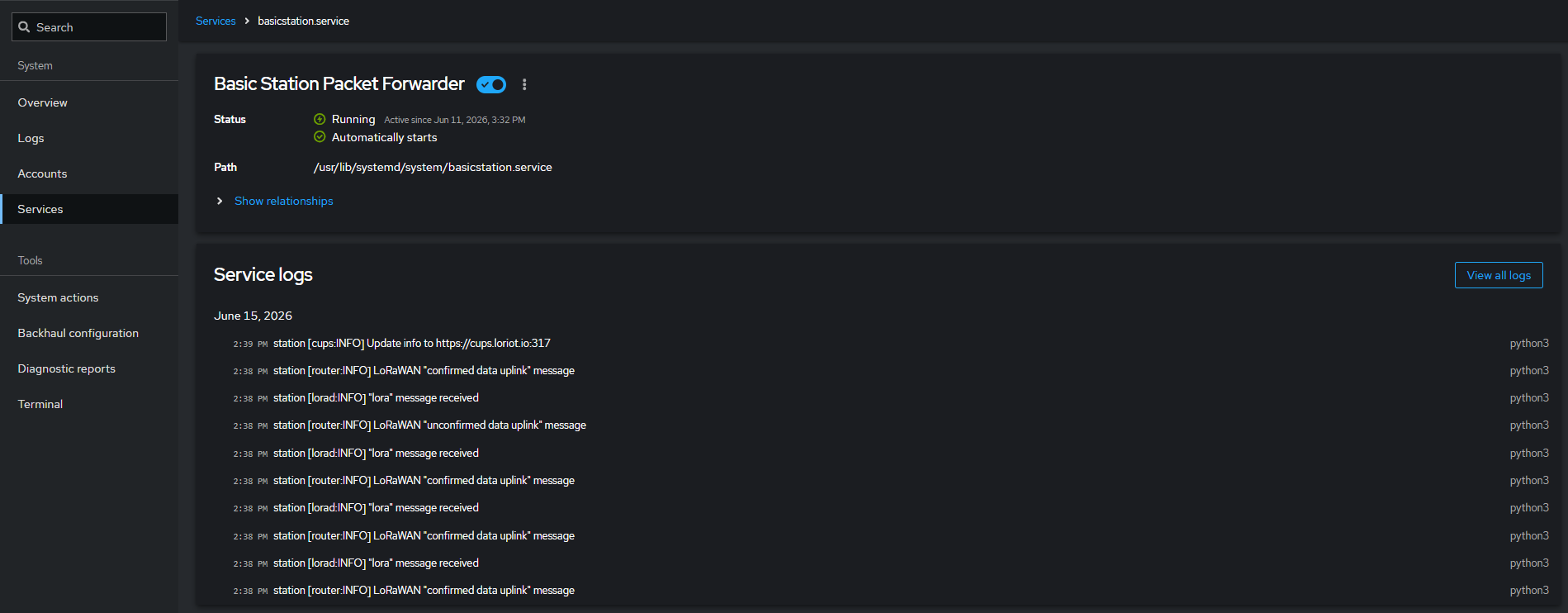
⚙️ SERVICES MANAGEMENT : Inspect, start, and stop all systemd services.
Monitor and control all services running on the gateway, including their status, configuration, and more.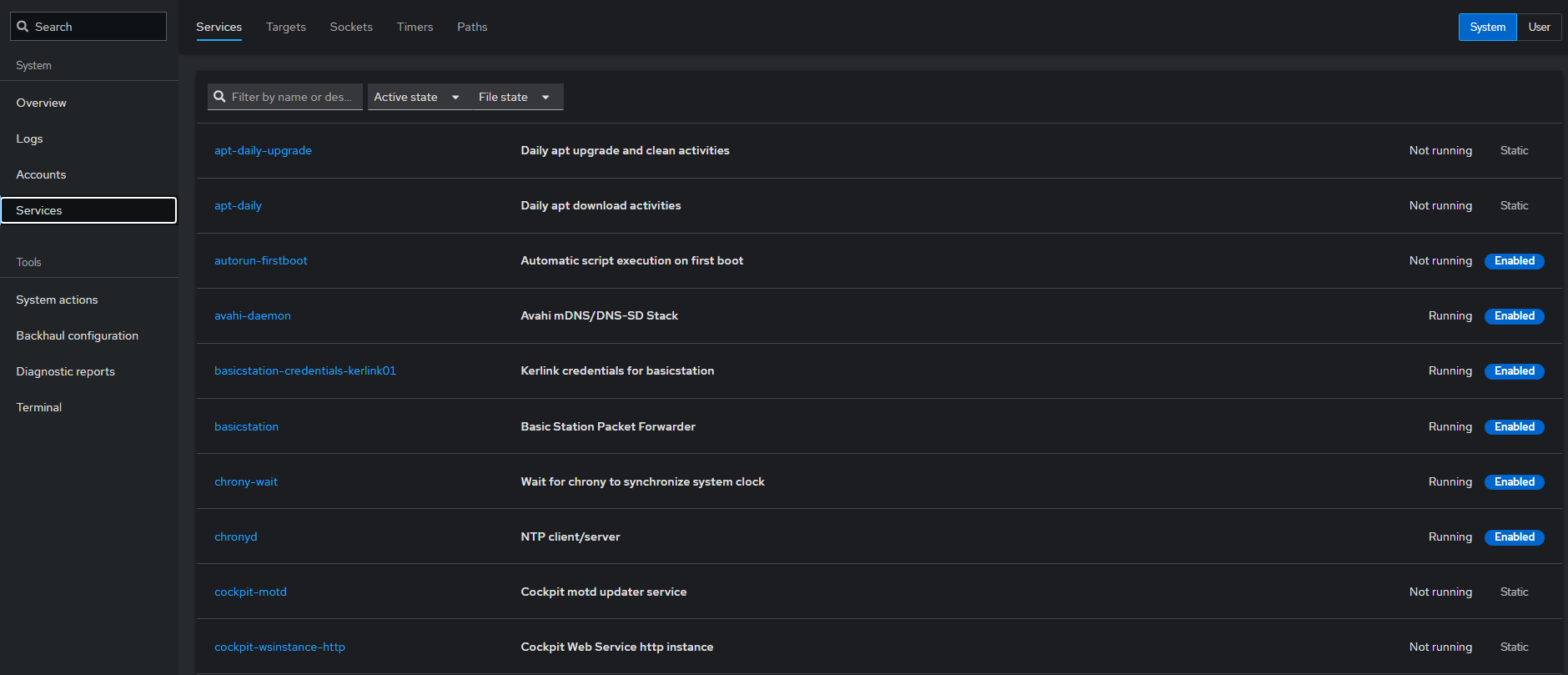
This section allows users to inspect, start, stop, enable, or troubleshoot services:
🔄 ADMINISTRATION ACTION : Reboot or restore the gateway.
Perform system actions on the gateway, including rebooting, restoring, or fully resetting the device: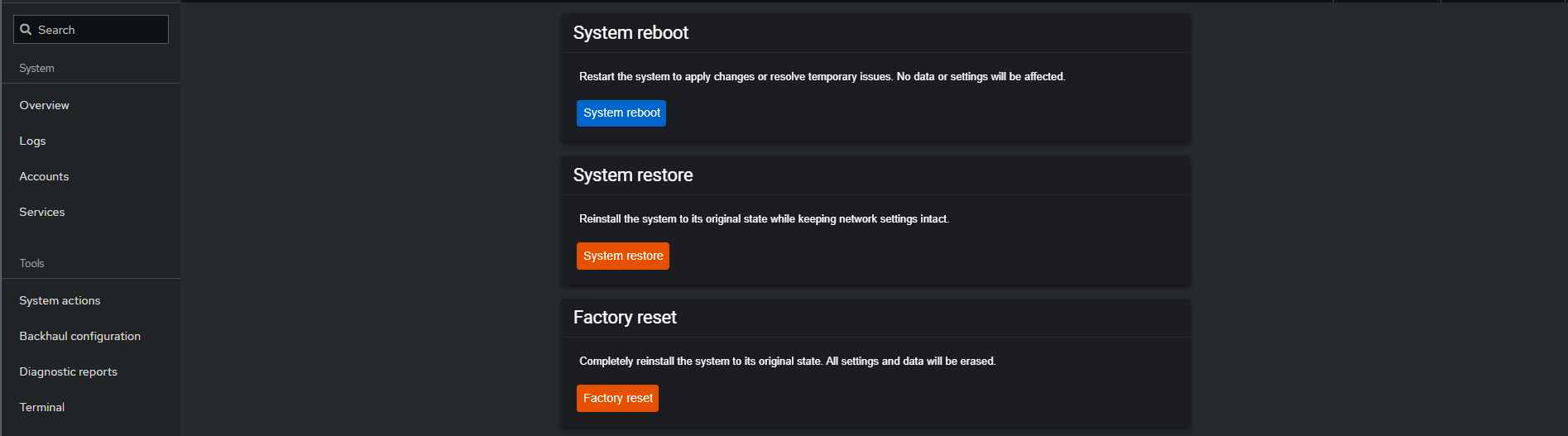
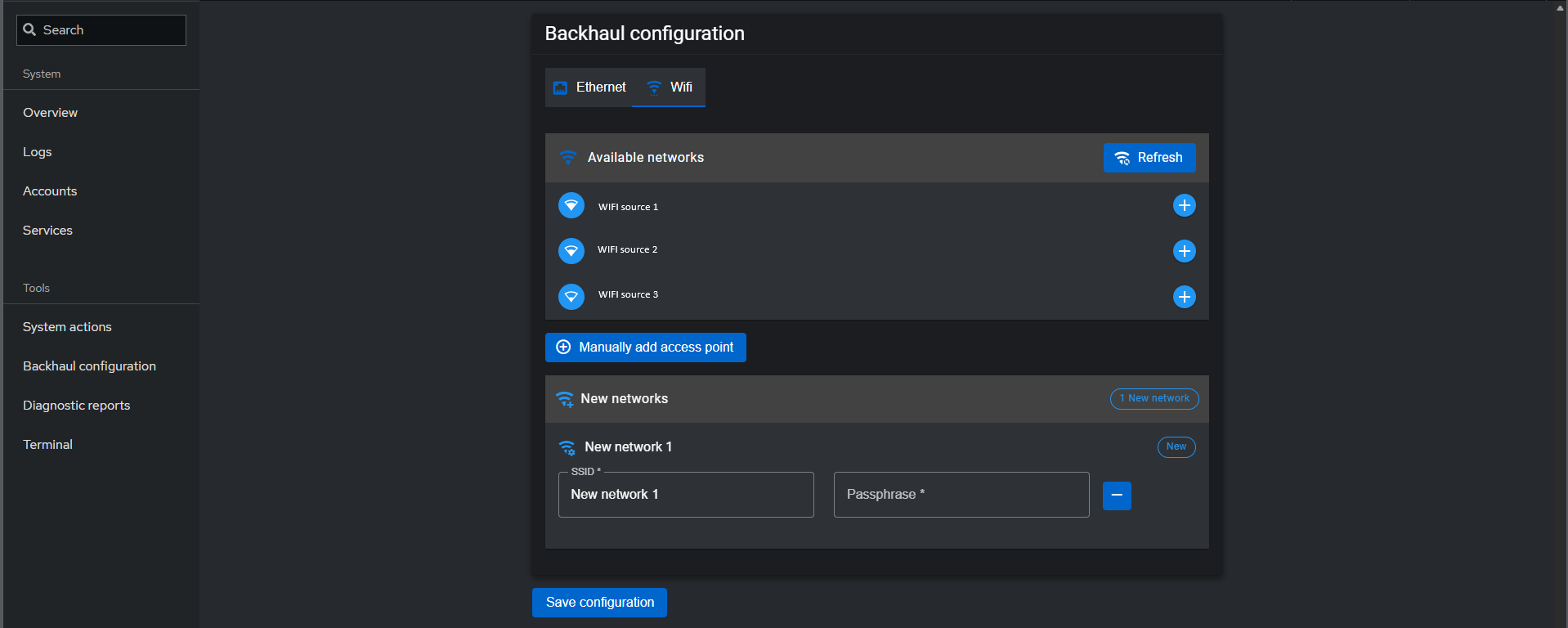
🌐 BACKHAUL CONFIGURATION : Configure Ethernet, WiFi, or Cellular connectivity.
Configure Ethernet connectivity settings, IP type and network mode (DHCP or static):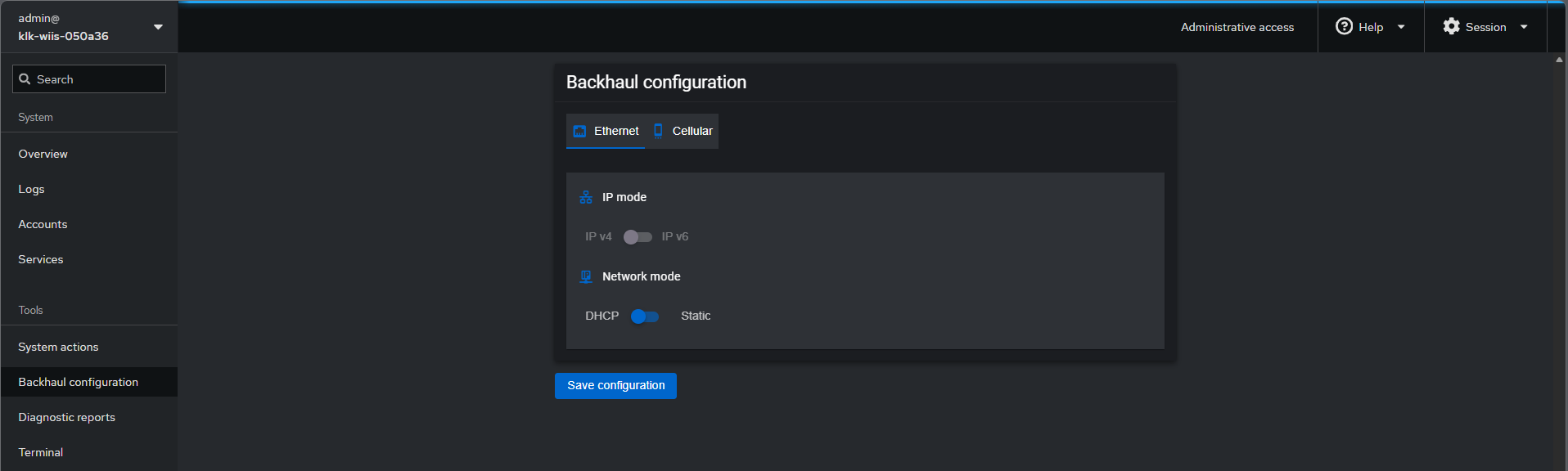
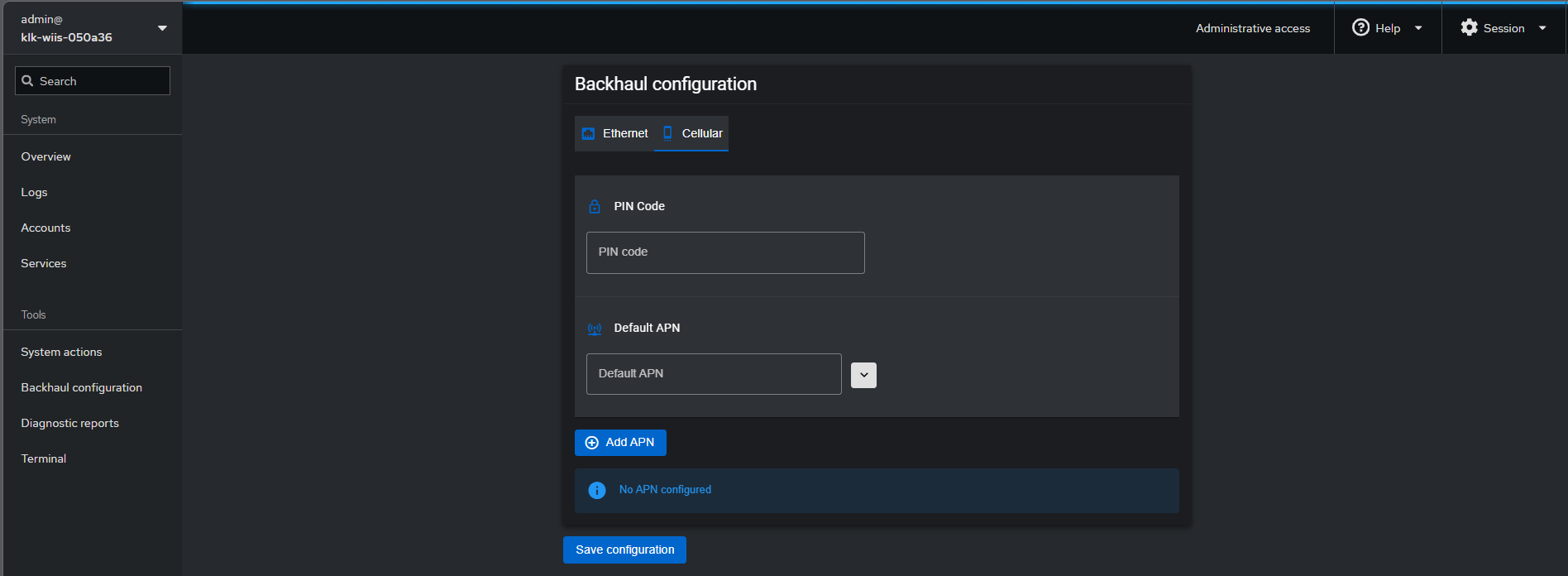
Configure cellular by setting SIM PIN code and APN parameters:
Configure Wi-Fi backhaul by selecting an available network or manually adding a new access point:
🩺 DIAGNOSTIC REPORT : Generate a tarball report for troubleshooting and analysis.
Run a system diagnostic report to collect information for troubleshooting. Configure options like encryption, obfuscation, and logging before generating the report.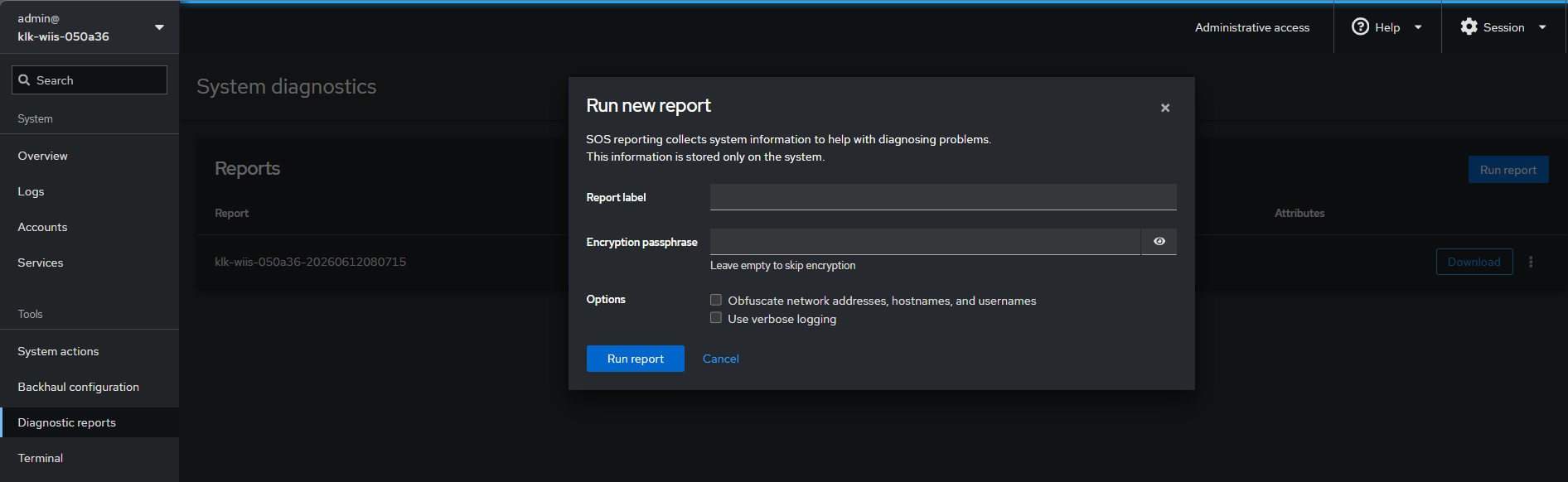
💻 TERMINAL : Access a shell terminal for basic operations.
Use the terminal to run commands and interact with the system.